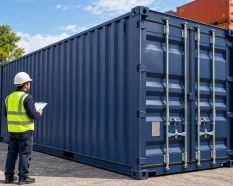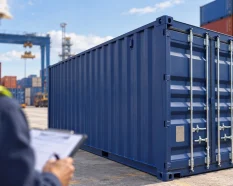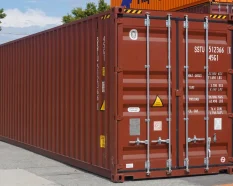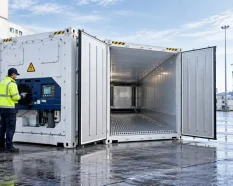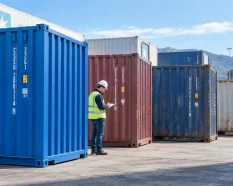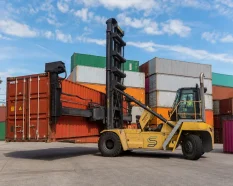














An Equipment Interchange Receipt (EIR) records the handover of a container between parties. It links the unit’s identity with the interchange event, location, date and condition information recorded at that point. It may be issued on paper or through an electronic gate system.
At pickup, compare the record with the physical container and the current release instruction before gate-out. At return, verify the authorised destination, obtain the gate-in record and retain the supporting evidence. This checklist is for UK and European businesses; the applicable instructions, record format and return requirements depend on the operator and agreement.
What is an Equipment Interchange Receipt?
An EIR is an operational handover record used at depots, terminals and other interchange points. It can cover empty or laden containers. DP World’s EIR definition describes a record of equipment details and condition at the time of transfer; operators may use different fields, damage codes and acknowledgement processes.
The useful check is whether the record matches the actual unit and movement. A familiar layout or an apparently clean record is not enough if the container number, location or event is wrong.
EIR, release order and condition survey: Different roles
A release order or pickup instruction directs or authorises collection. The EIR records the interchange. A condition survey is a separate assessment that may be required at the start or end of a lease. Keep these records linked rather than treating one as a substitute for the others.
An EIR provides evidence of the recorded handover and visible condition. It does not, by itself, settle a damage dispute, certify suitability for the intended cargo or confirm every contractual return requirement.
Why check the EIR at both ends of the movement?
Pickup and return records help establish which unit changed hands, where and when, and what condition information was recorded. They also help investigate a mismatch or later inspection notice. Compare the two events using the same container number and movement reference, even if different facilities or systems issue the records.
EIR fields to check
The fields below are common examples, not a mandatory template. Check the information provided by the facility and flag anything missing that matters to the movement.
| EIR field | What to check |
|---|---|
| Container number | Match the full number, including the check digit where applicable, with the physical unit and instruction. |
| Size and type | Compare the equipment description shown with the unit required for the movement. |
| Gate event | Confirm that the record shows the correct gate-out, gate-in or other interchange event. |
| Date, time and facility | Check when and where the handover was recorded; compare the authorised location. |
| Haulier or vehicle | Review vehicle and nominated-party details where the operator records them. |
| Empty or laden status | Confirm the recorded status against the movement and instruction. |
| Seal details | Compare seal information for relevant laden movements; do not remove a seal without authorisation. |
| Condition and damage codes | Compare recorded remarks with visible exceptions and use the operator’s notation. |
| Images or image references | Check where supporting images are held and how they link to this container and event. |
Container pickup Checklist: before gate-out
Follow the facility’s safety rules and permitted inspection access. Do not climb onto equipment, enter unsafe areas or open a laden container simply to complete a checklist.
- Confirm the instruction. Check the current release or booking reference, authorised facility, equipment requirement and collection window.
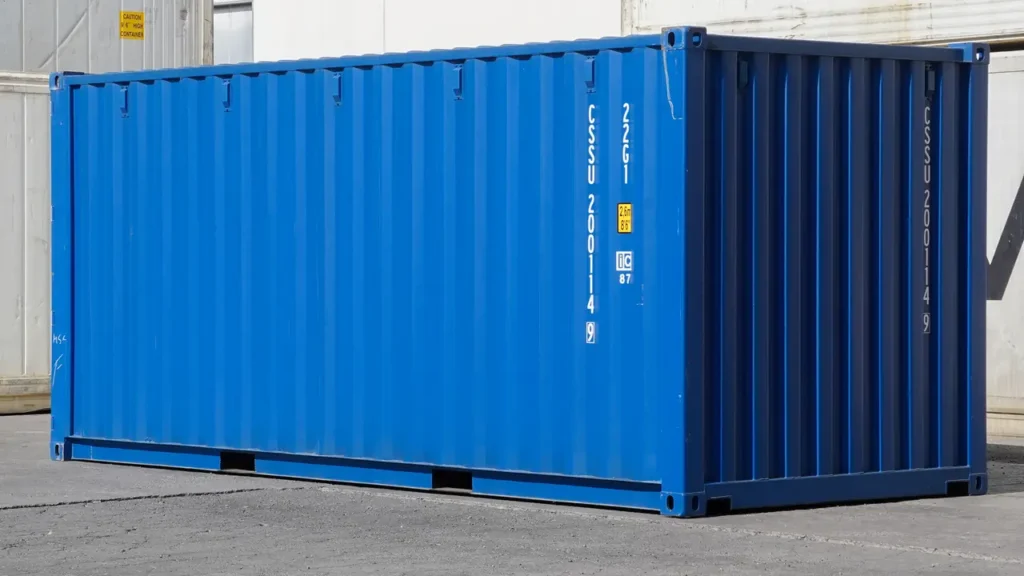
- Match the physical unit. Compare the full container number and required size/type with the instruction. For ISO-marked freight containers, the identification number includes the owner prefix, equipment category, serial number and check digit; BIC explains this identification system.
- Review the gate record. Check the event, location, date and time, together with party, vehicle and empty/laden details where shown.
- Check accessible condition. From a safe position, look for visible damage, deformation, holes, door defects, contamination or moisture indicators. Check the interior and floor only where access is authorised and safe.
- Compare observations with the EIR. Ask for clarification when a visible exception is absent, unclear or attached to the wrong unit. Decode unfamiliar notation using the operator’s own system.
- Check seals where applicable. For a laden movement, compare seal information with the relevant instruction. Do not break or remove a seal without authorisation.
- Save the record and supporting images. Where permitted, photograph the container number, wider context and close-ups of exceptions. Raise unresolved issues before gate-out and retain the written response.
What to do if the EIR does not match the container
Follow the depot or terminal’s exception process and contact the party controlling the movement. If a mismatch affects safety, usability or the assigned unit, pause the handover and request instructions.
- Identify the issue precisely: container number, location of the damage or field that needs correcting.
- Ask for the exception or correction to be recorded in the EIR, gate system or associated inspection record.
- Keep permitted photographs and written correspondence under the same container and event reference.
- If a replacement unit is authorised, verify its number and condition before completing the collection.
For example, if a door-panel dent is visible but no exception appears on the record, ask the facility how to document it and keep both a close-up and an identifiable wider view. This records what was observed; it is not a decision on whether that dent is acceptable or who must pay for it.
If an electronic EIR is not available immediately, ask for the event reference, where to retrieve the record and the facility’s correction process. A verbal comment alone is difficult to reconcile later.
Container return and off-hire checklist
Before dispatch, confirm the latest authorised return location and instructions. A depot used for a previous movement may not be authorised for this one. The guide to choosing a container depot in Europe covers facility selection and operational checks.
- Verify the destination and reference. Check the named depot or terminal, booking or return reference, appointment requirements and any collection or return window.
- Confirm preparation requirements. Follow the agreement on emptying, cleaning and return condition. Report damage or contamination through the specified process.
- Link identity and evidence. Record the container number before dispatch and compare it with the gate-in record at return.
- Obtain the return record. Check the facility, event and date, and save condition remarks and any linked photographs.
- Complete required notices. Send the return evidence to the nominated contact and retain any acknowledgement, inspection notice or repair communication.
For rented or leased equipment, ask what completes off-hire and when charges cease under the agreement. Do not assume that a gate-in receipt alone confirms the end of hire or final acceptance of condition. The maritime container leasing page covers the commercial service separately from this handover checklist.
For one-way container rental, confirm the agreed return point and route-specific arrangements before dispatch. Keep both handover records linked to the rental reference.
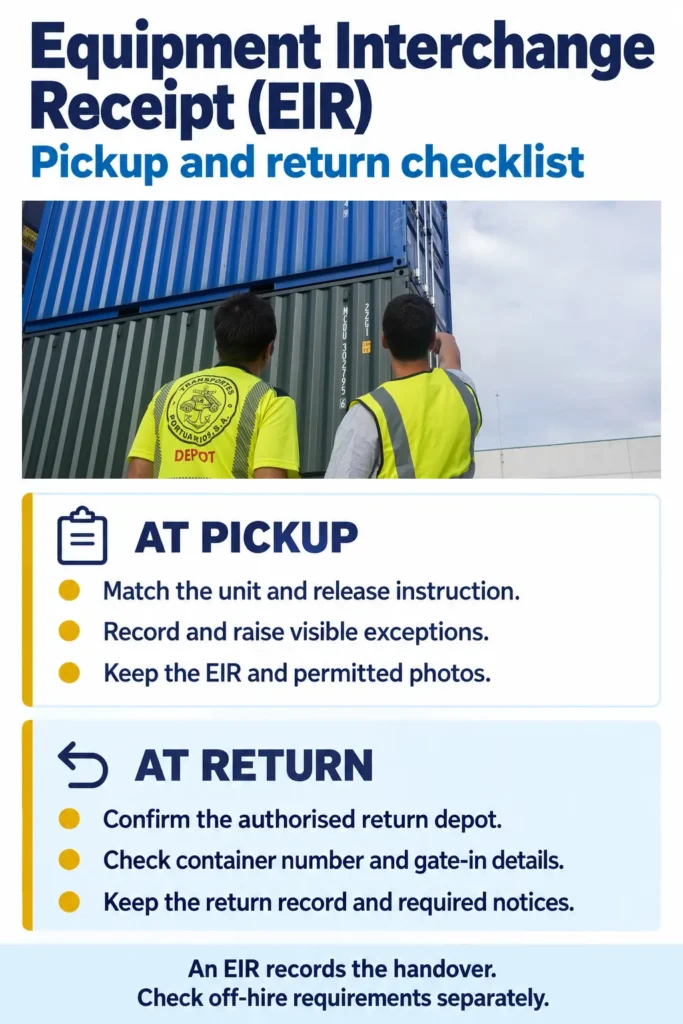
EIR and photos: the handover evidence to retain
Keep a small, traceable file for each container and interchange event:
- Current pickup, release, return and off-hire instructions, including approved changes.
- Pickup and return EIRs or equivalent electronic gate records.
- Permitted photographs showing identity, context and close-ups of exceptions.
- Written corrections, instructions, replacement-unit details and acknowledgements.
- Subsequent inspection, repair or condition communications, where applicable.
Use file names that connect the container number, event, facility and date. Save a copy of an electronic record rather than relying solely on a portal link. Set retention periods according to the agreement and the organisation’s document policy.
Common EIR mistakes
- Checking only the paperwork, without matching the physical container number.
- Taking close-ups that cannot be linked to an identifiable unit or event.
- Assuming an unrecorded issue, a verbal assurance or a gate receipt settles acceptance.
- Sending a container to an old return location or omitting a required return notice.
How the EIR process varies by operating model
The checks remain similar, but the controlling instruction and recipient of the return evidence can differ.
| Operating model | What to confirm |
|---|---|
| Carrier-controlled shipment | Follow the current carrier, terminal or depot instructions and retain each interchange record. |
| Rented or leased container | Check pickup, return and off-hire requirements. Confirm who receives notice and what completes the return. |
| One-way rental | Confirm the agreed route and return point. Link both EIRs to the rental reference. |
| SOC or purchased container | Clarify the handover process for shipper-owned or purchased equipment and keep the records in the asset file. |
| Depot or terminal interchange | Use the facility’s condition and exception process; confirm how to retrieve electronic records and images. |
Assign a named person to verify the unit, raise discrepancies and save the records. Agree who receives the evidence before collection or return, particularly when several organisations are involved.
Discuss your container pickup or return requirements
If you are arranging a container purchase, rental or leasing operation, share the equipment type, quantity, origin, destination, dates and known depot instructions with SILVERSEA Containers. Include whether the movement concerns an empty or laden unit and which party controls pickup and return.
Request a container quote with these details and ask the team to confirm the available options and proposed scope for your location. Keep the operator’s EIR and return process separate from the commercial enquiry.
Share the packed dimensions, weight, handling method and location with SILVERSEA Containers.
Frequently asked questions
No. A release order or pickup instruction directs or authorises collection. The EIR records the equipment interchange and condition information provided at that event. Check and retain both where they form part of the movement.
No. The EIR records a handover, while a survey assesses condition against the agreed scope or criteria. A lease may require separate inspections and return notices. Keep the survey and interchange records linked.
Only where the current instructions allow it. Confirm the authorised facility, return reference, appointment or notification requirements and expected condition before dispatch. Do not rely on an address from an earlier movement.
It shows the condition information recorded for that interchange. It does not establish that every area was inspected or that no defect exists. Retain permitted photographs and report concerns through the applicable process.
Check the same core details as a paper record: identity, event, facility, date, condition information and linked images. Save the available record and note how to request corrections or retrieve any supporting images.
Report it promptly through the operator’s or supplier’s process, using the container number and event reference. Preserve the original EIR, photographs and correspondence. Check any reporting deadlines in the applicable agreement; do not assume a universal claims window